

@ Mentions
PraisonAI CLI supports @ mentions for including file and directory content directly in your prompts. Simply type@ followed by a file or directory path to inject its content into your message.
Works in every REPL surface.
@file and @dir mentions expand on submit across the legacy REPL (what praisonai code runs), the async TUI, and praisonai run — same expansion path everywhere. The async TUI previously advertised @file in /help but sent the raw @file.txt token to the model; it now inlines the file’s contents like the other surfaces, so identical input behaves identically.Quick Start
How It Works
Autocomplete
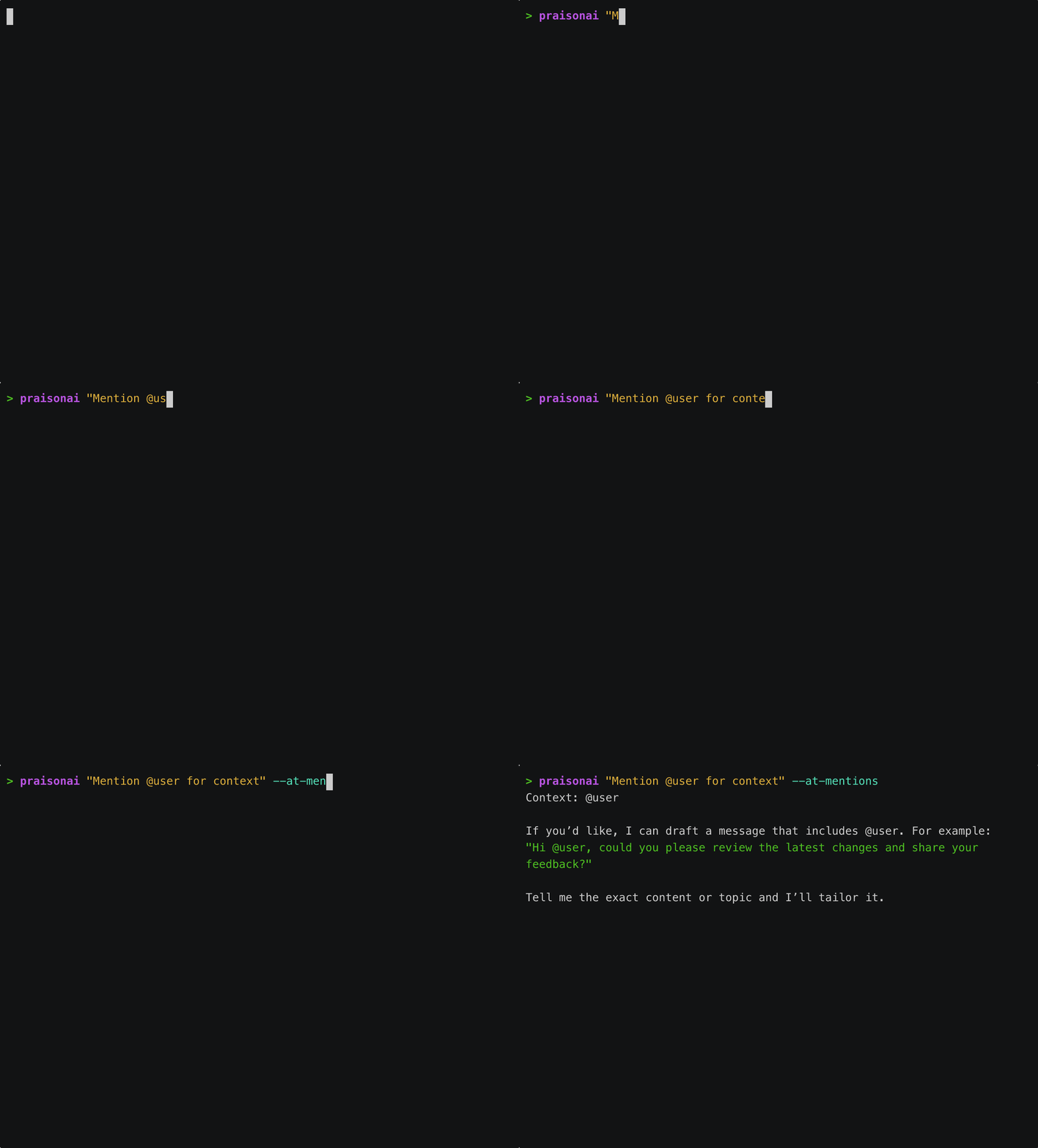
When you type@, an autocomplete dropdown appears showing matching files and directories:
Features
Ignored Patterns
The following are automatically ignored:.git,__pycache__,node_modules.venv,venv,.DS_Store*.pyc,*.pyo,*.egg-info
File Content Injection
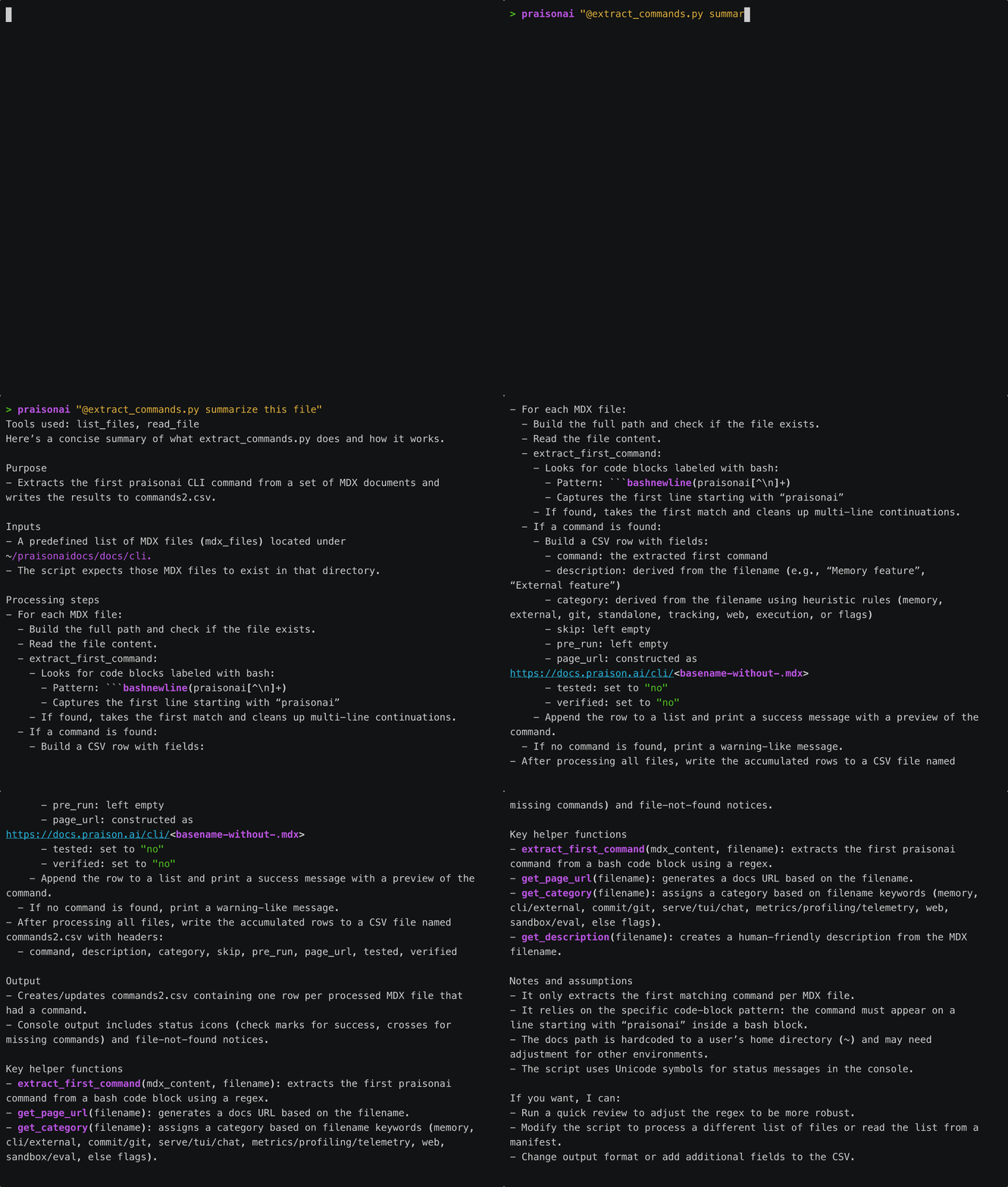
@file.txt, the file content is automatically included:
File Size Limits
- Files larger than 50KB are automatically truncated
- A
[truncated, file too large]message is appended
Supported File Types
All text-based files are supported:- Source code:
.py,.js,.ts,.go,.rs, etc. - Config files:
.yaml,.json,.toml,.ini - Documentation:
.md,.txt,.rst - And more…
Directory Listings
Use@directory/ to include a directory listing:
Directory Limits
- Maximum 50 entries shown
- Hidden files (starting with
.) are excluded - Common ignore patterns applied
Path Formats
Multiple @ Mentions
You can include multiple files in a single prompt:Error Handling
Programmatic Usage
Detection API
Best Practices
Comparison with Other Tools
Related
- Message Queue - Queue messages while processing
- Interactive Mode - Full interactive TUI
- Slash Commands -
/help,/stats,/queue