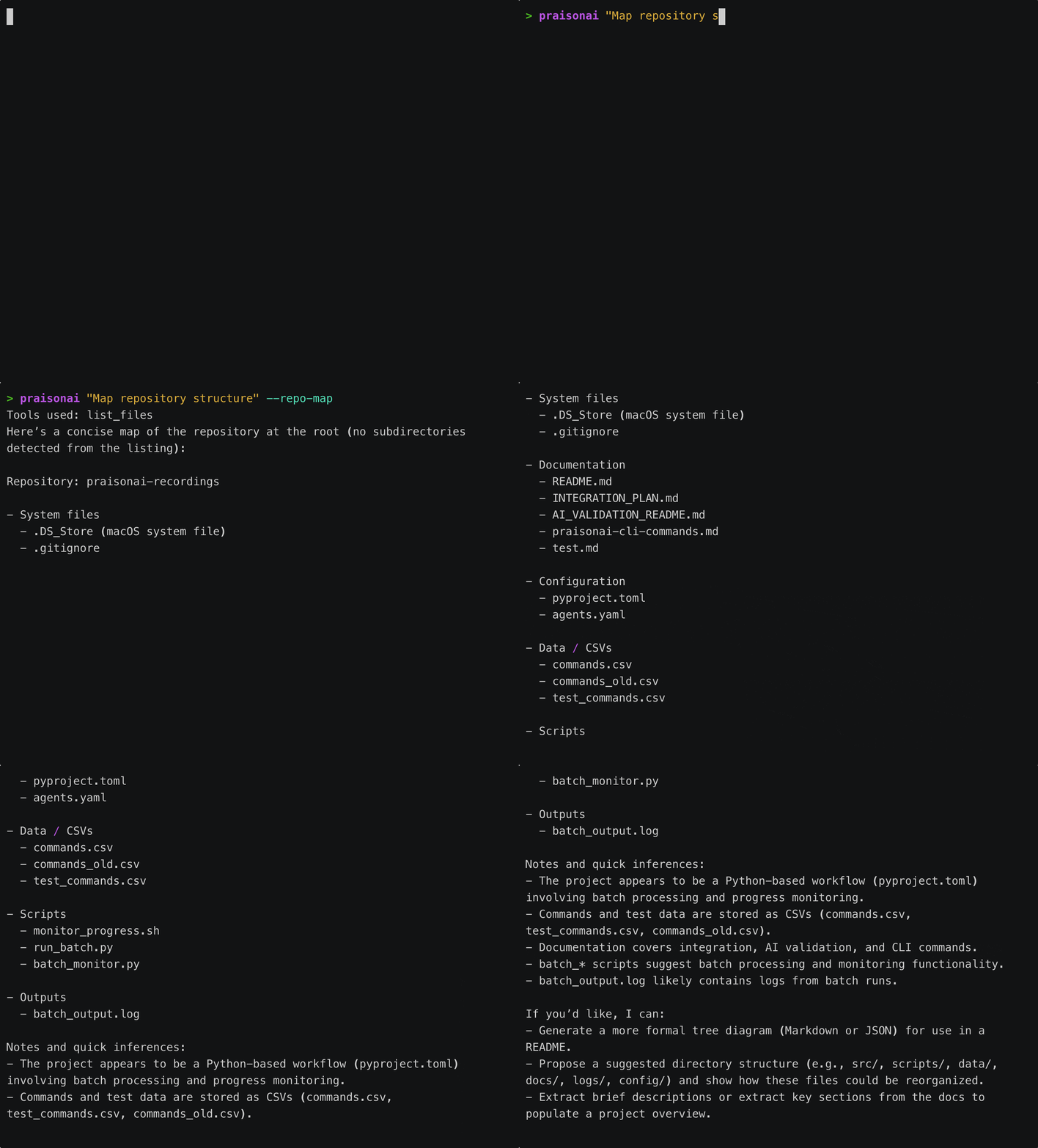
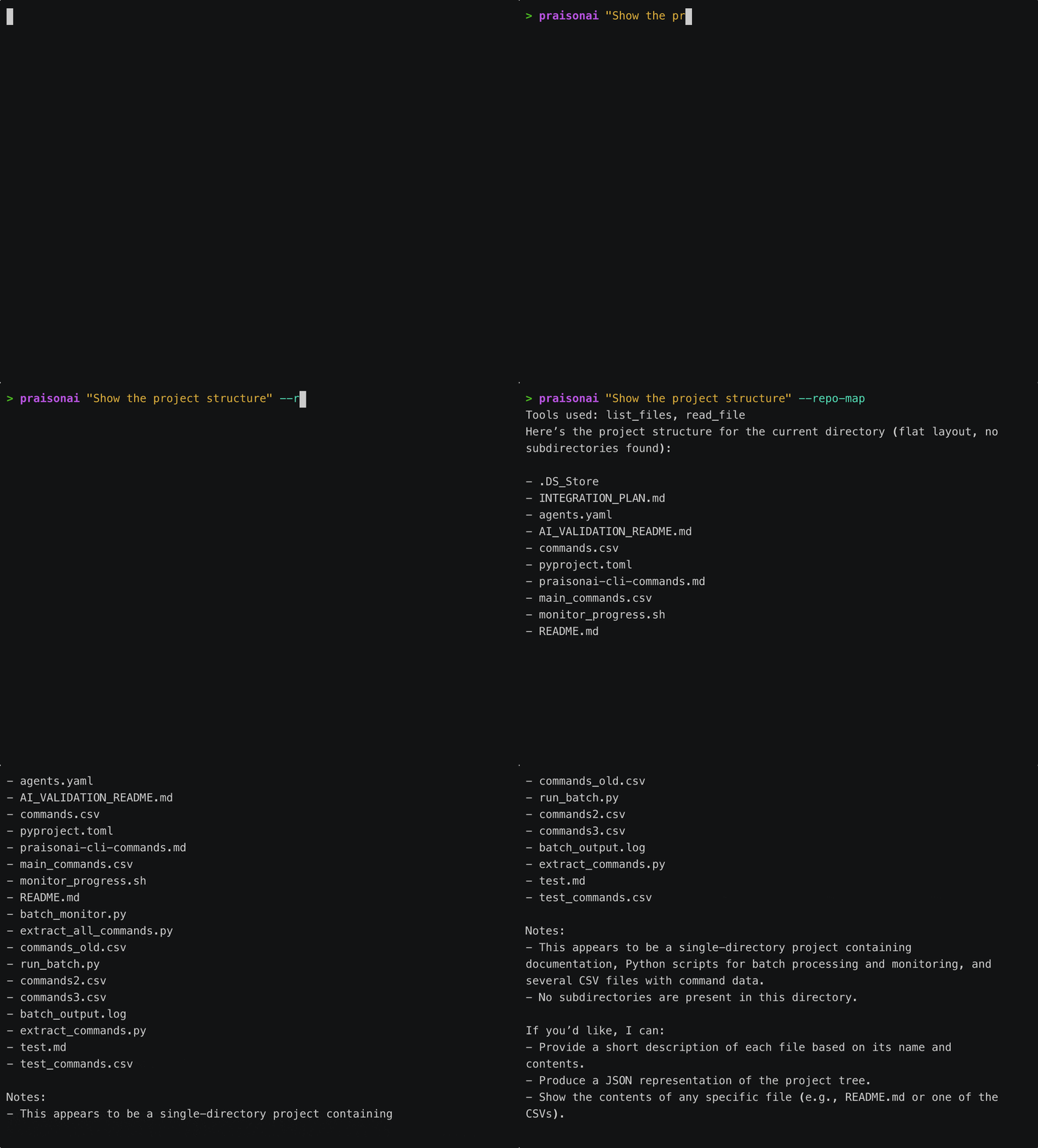
PraisonAI CLI includes a powerful repository mapping feature that helps the AI understand your codebase structure. Inspired by Aider’s RepoMap, it extracts and ranks symbols to provide intelligent context.
from praisonai.cli.features import RepoMapHandler# Initializehandler = RepoMapHandler()repo_map = handler.initialize(root="/path/to/project")# Get the mapmap_str = handler.get_map()print(map_str)
from praisonai.cli.features.repo_map import RepoMap, RepoMapConfig# Custom configurationconfig = RepoMapConfig( max_tokens=2048, # Max tokens for the map max_files=100, # Max files to include max_symbols_per_file=30, # Max symbols per file include_imports=True, # Include import statements file_extensions={".py", ".js", ".ts"}, # File types to scan exclude_patterns={"__pycache__", "node_modules", ".git"})# Create map with configrepo_map = RepoMap(root="/path/to/project", config=config)repo_map.scan()map_str = repo_map.get_map()
# Map a specific directory instead of the workspace root>>> /map src/api
/map accepts only an optional path argument. Flags like --classes or --detailed are not exposed by cmd_map — set detail with RepoMapConfig through the Python API instead.
/map is deliberately an operator command — an at-a-glance orientation for an unfamiliar repo. It is not re-exposed as an agent tool: the agent already finds code with grep / glob / ast_grep_search, which is where the field landed. Same rationale as the git operator commands.
from praisonai.cli.features.repo_map import SymbolExtractor, Symbolextractor = SymbolExtractor(use_tree_sitter=True)# Extract from file contentcontent = '''class MyClass: def method(self): passdef helper(): pass'''symbols = extractor.extract_symbols("test.py", content)for symbol in symbols: print(f"{symbol.kind}: {symbol.name} at line {symbol.line_number}")# Output:# class: MyClass at line 1# method: method at line 2# function: helper at line 5
from praisonai.cli.features.repo_map import SymbolRankerranker = SymbolRanker()# Analyze references across filesranker.analyze_references(file_maps, all_content)# Get top symbolstop_symbols = ranker.get_top_symbols(file_maps, max_symbols=20)for symbol in top_symbols: print(f"{symbol.name}: {symbol.references} references")
The repository map is automatically included in AI context:
from praisonai.cli.features import RepoMapHandler# Initializerepo_handler = RepoMapHandler()repo_handler.initialize(root=".")# Get map for AI contextrepo_map = repo_handler.get_map(max_tokens=1024)# Include in promptprompt = f"""Repository structure:{repo_map}User request: {user_input}"""